
Introduction
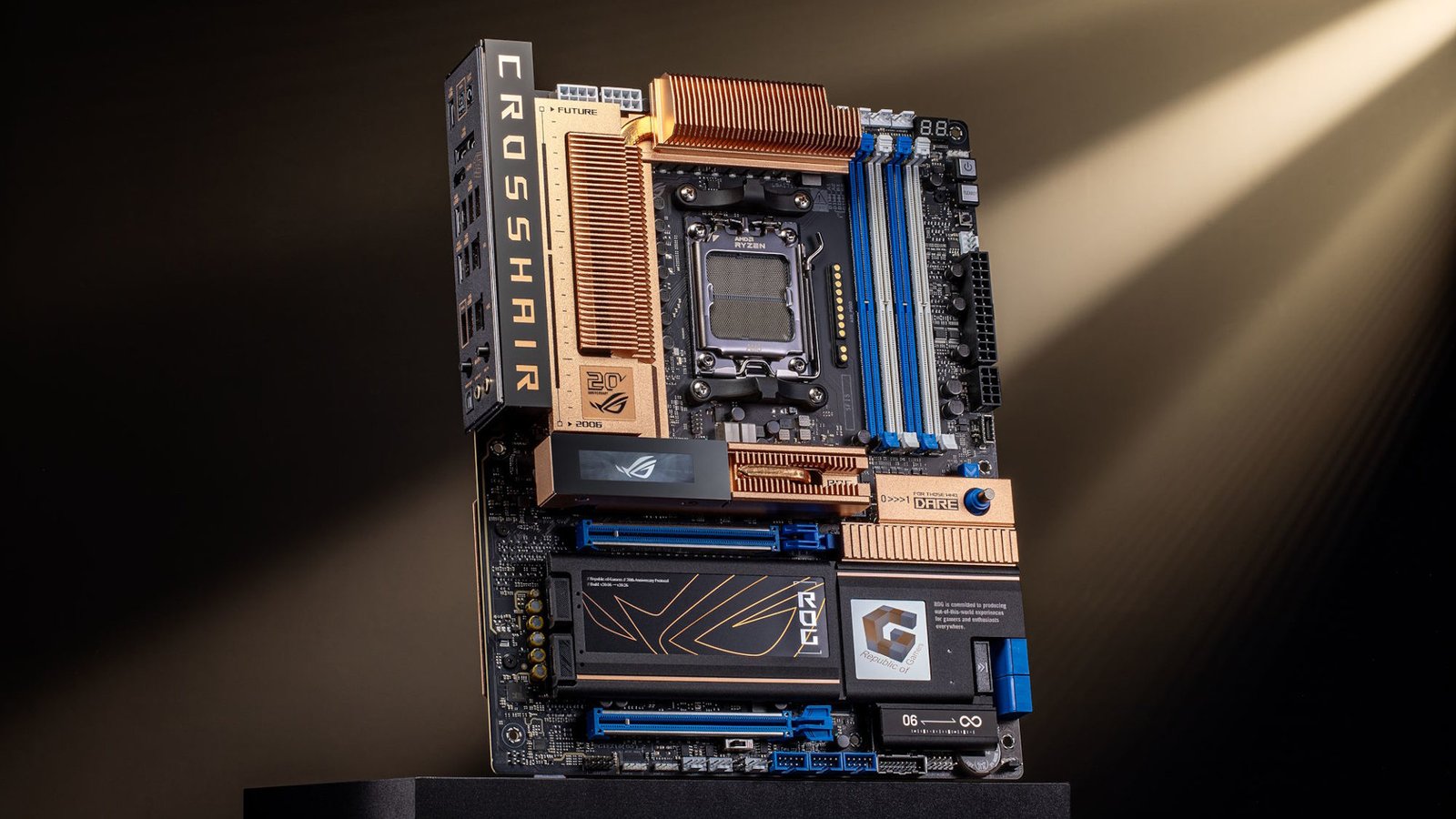
If you’re building a new PC or upgrading your existing computer, you’ve probably come across the term motherboard chipset. Many people focus on the processor, graphics card, or RAM, but the chipset is just as important because it controls how these components communicate with each other. Understanding what is a motherboard chipset can help you choose the right motherboard, improve system compatibility, and avoid spending money on features you don’t need.
A motherboard chipset determines which processors your motherboard supports, how many USB ports you can use, how many PCIe lanes are available, storage compatibility, memory support, and advanced features such as overclocking and Wi-Fi connectivity. Whether you’re a gamer, content creator, programmer, or casual computer user, selecting the right chipset is essential for getting the best performance from your PC.
In this guide, you’ll learn what is a motherboard chipset, how it works, the different chipset types, Intel vs AMD chipsets, key features, and how to choose the best chipset for your needs.
Quick Answer
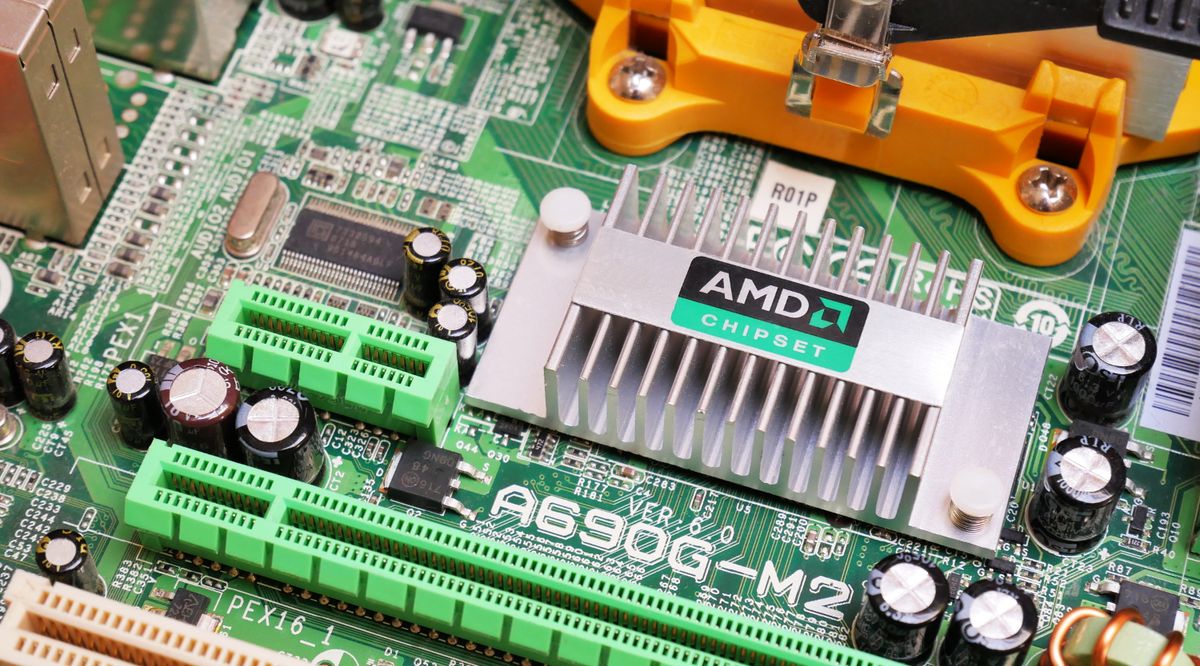
A motherboard chipset is a group of electronic controllers on the motherboard that manages communication between the CPU, memory, storage devices, graphics card, USB ports, networking, and other hardware components. The chipset determines your motherboard’s compatibility, expansion options, and available features.
What Is a Motherboard Chipset?
A motherboard chipset is one of the most important parts of a computer motherboard. It acts as the communication hub between your processor and the rest of your hardware. Without a chipset, your CPU would not be able to efficiently communicate with storage drives, graphics cards, USB devices, memory, or networking components.
Modern chipsets are much simpler than older designs. Years ago, computers used two separate chips called the Northbridge and Southbridge. The Northbridge handled communication with the CPU, RAM, and graphics card, while the Southbridge controlled USB ports, storage devices, audio, and other peripherals.
Today’s Intel and AMD processors integrate many Northbridge functions directly into the CPU. As a result, modern motherboards typically use a single chipset controller that manages the remaining system functions more efficiently.
Best Laptops for Gaming 2026
How Does a Motherboard Chipset Work?
The motherboard chipset works by directing data between different hardware components. When you install a processor, SSD, graphics card, RAM, or USB device, the chipset helps coordinate communication between these components and the CPU.
For example, when you’re playing a game, your processor communicates with the graphics card, SSD, RAM, and network adapter at the same time. The chipset ensures that these devices exchange data smoothly without causing bottlenecks.
The chipset also determines how many PCIe lanes are available, how many NVMe SSDs can be installed, whether overclocking is supported, and how many USB ports your motherboard can provide.
Why Is the Motherboard Chipset Important?
Many first-time PC builders underestimate the importance of the motherboard chipset. However, choosing the wrong chipset can limit future upgrades and system performance.
A quality chipset offers better compatibility with modern processors, supports faster storage devices, provides more USB connectivity, enables higher RAM speeds, and allows additional PCIe expansion cards. Premium chipsets also include advanced features such as CPU overclocking, multiple GPU support, Wi-Fi 7, Bluetooth, and faster networking.
For users planning to keep their PC for several years, selecting the right chipset is just as important as choosing the processor.
Types of Motherboard Chipsets
Motherboard chipsets vary depending on the processor manufacturer. Intel and AMD both offer different chipset families designed for different types of users.
Intel Chipsets
Intel provides several chipset series for desktop users.
H-Series chipsets are designed for entry-level and office computers. They offer basic connectivity and are suitable for everyday tasks.
B-Series chipsets target mainstream users who need additional USB ports, faster storage, and better expansion options.
Z-Series chipsets are built for enthusiasts and gamers. These premium chipsets support CPU overclocking, high-speed memory, additional PCIe lanes, and advanced features.
AMD Chipsets
AMD also offers multiple chipset options for Ryzen processors.
A-Series chipsets are designed for budget computers.
B-Series chipsets provide an excellent balance between performance and price, making them popular among gamers.
X-Series chipsets are premium solutions offering advanced connectivity, faster PCIe support, extensive USB options, and overclocking capabilities.
Best Budget Mechanical Keyboards
Intel vs AMD Chipsets
Both Intel and AMD manufacture excellent chipsets, but they serve different audiences.
Intel chipsets are known for their stability, compatibility, and strong performance in gaming and professional workloads. AMD chipsets often provide better value, longer platform support, and excellent upgrade paths for Ryzen processors.
Neither option is universally better. Your decision should depend on the processor you plan to purchase and the features you need.
Features Controlled by a Motherboard Chipset
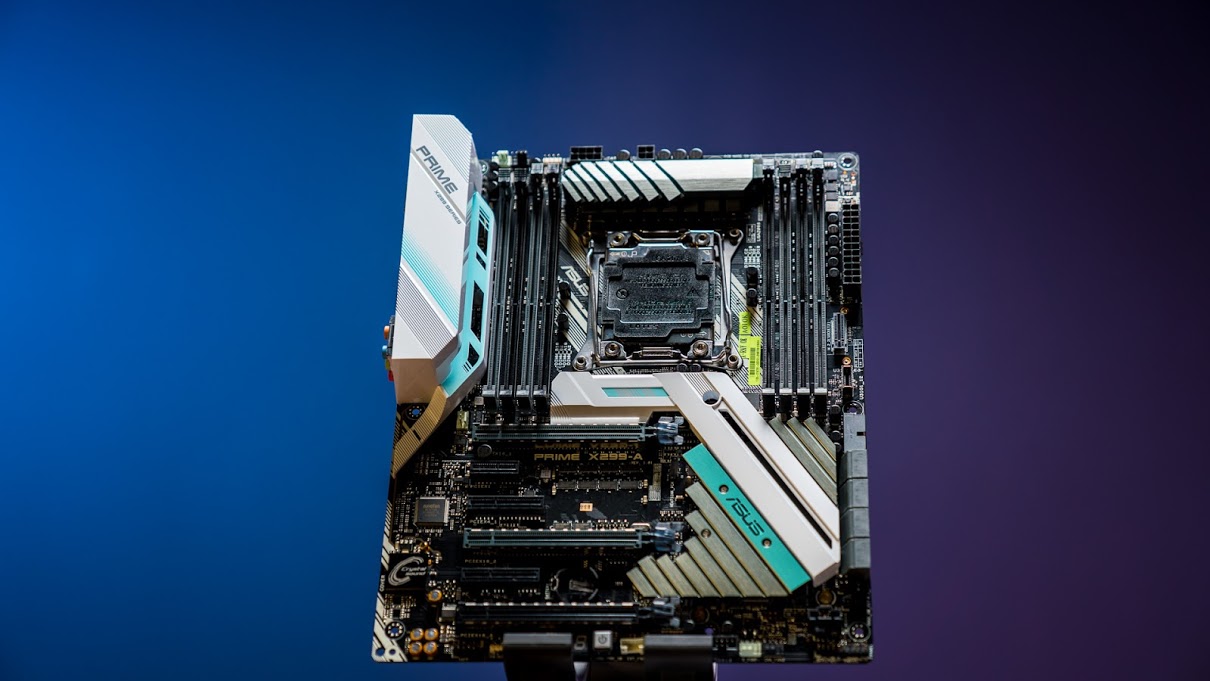
The motherboard chipset controls many important system features, including:
- CPU compatibility
- Memory support
- PCI Express lanes
- NVMe SSD support
- SATA ports
- USB ports
- Ethernet connectivity
- Wi-Fi support
- Bluetooth support
- RAID support
- CPU overclocking
- Memory overclocking
These features vary depending on the chipset model.
How to Choose the Right Motherboard Chipset
Choosing the right chipset depends on your computer usage.
If you primarily browse the web, stream videos, and use office applications, an entry-level chipset is sufficient.
For gaming, video editing, streaming, and multitasking, a mid-range chipset offers the best balance between performance and price.
Enthusiasts who plan to overclock their CPU or install multiple NVMe drives should consider premium chipsets with additional PCIe lanes and advanced connectivity.
You should also consider future upgrades. Buying a motherboard with a more capable chipset allows you to upgrade your processor, storage, and memory later without replacing the entire motherboard.
Common Misconceptions About Motherboard Chipsets
Many people believe the chipset directly improves gaming performance. In reality, gaming performance depends primarily on the processor and graphics card. The chipset mainly determines available features and upgrade flexibility.
Another misconception is that expensive chipsets are necessary for every user. Many budget and mid-range chipsets provide all the features needed for gaming, productivity, and everyday computing.
How to Check SSD Health
FAQs
What is a motherboard chipset?
A motherboard chipset is the controller that manages communication between the CPU and other hardware components, including storage, USB devices, memory, networking, and expansion cards.
Does the chipset affect gaming performance?
Not directly. The chipset mainly affects compatibility, connectivity, expansion options, and upgrade potential rather than raw gaming performance.
Which chipset is best for gaming?
Mid-range and premium Intel B-Series, Z-Series, AMD B-Series, and X-Series chipsets are excellent choices for gaming.
Can I upgrade my processor without changing the chipset?
Sometimes. Compatibility depends on your motherboard model, BIOS version, and chipset generation.
Is a premium chipset worth buying?
If you need overclocking, multiple SSDs, faster networking, or additional expansion options, a premium chipset is worth considering.
Conclusion
Understanding what is a motherboard chipset is essential before building or upgrading a computer. The chipset controls communication between your processor and every major hardware component, determines motherboard compatibility, and unlocks features such as faster storage, additional USB ports, PCIe expansion, memory support, and overclocking.
Whether you’re building a gaming PC, workstation, or home computer, selecting the right motherboard chipset ensures better compatibility, smoother performance, and easier future upgrades. Instead of focusing only on the processor, take the time to compare chipset features and choose a motherboard that matches your long-term needs. Making the right decision today can save money and improve your overall computing experience for years to come.